
Support
How to send feedback and get help with Chimr.
Feedback
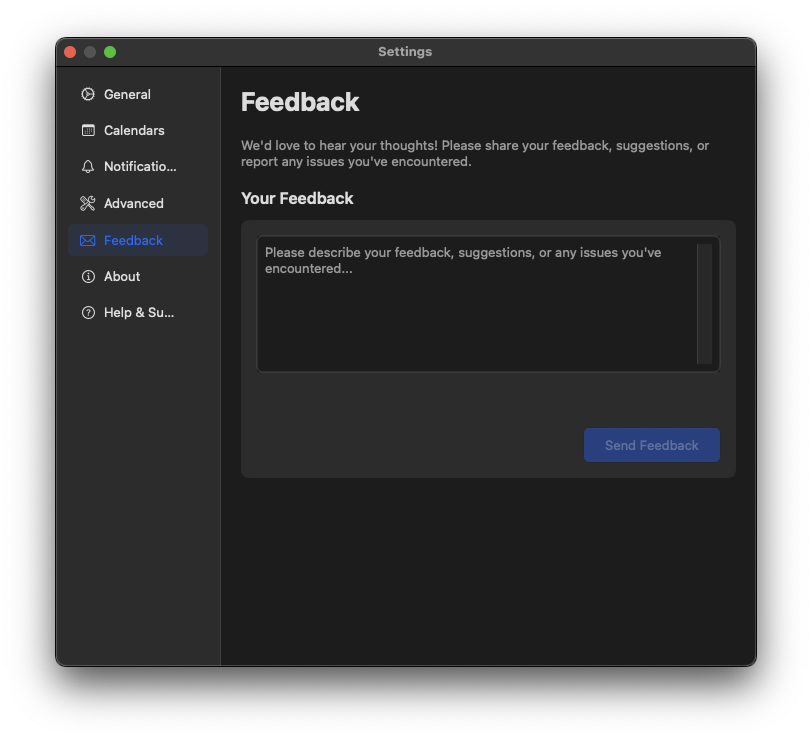
We welcome your feedback to improve Chimr. You can send us feedback in two ways:
1. From within the app
- Open Chimr
- Go to Settings
- Tap “Send Feedback”
- Write your feedback (minimum 10 characters)
- Optionally add your email for a reply
- Tap “Submit Feedback”
2. From the web
You can also send feedback using our web form:
Contact
If you have any questions or need assistance, please feel free to contact us through the feedback channels above.
You can also reach us on X (Twitter): @labeehive