Never Miss
Another Meeting.
A macOS menu bar meeting reminder with built-in MCP server. Let Claude manage your calendar, get notified when AI tasks complete, and join meetings with one click.
Your Reputation, Saved
Chimr transforms your Mac into a meeting guardian that actually works.
Built-in MCP Server
AI-Triggered Notifications: "Notify me when you finish analyzing the codebase." Claude sends you a floating notification when the task completes. Perfect for long-running AI tasks.
Calendar Queries: "What meetings do I have tomorrow?" "Join my next call." Claude can query your schedule and help you join meetings.
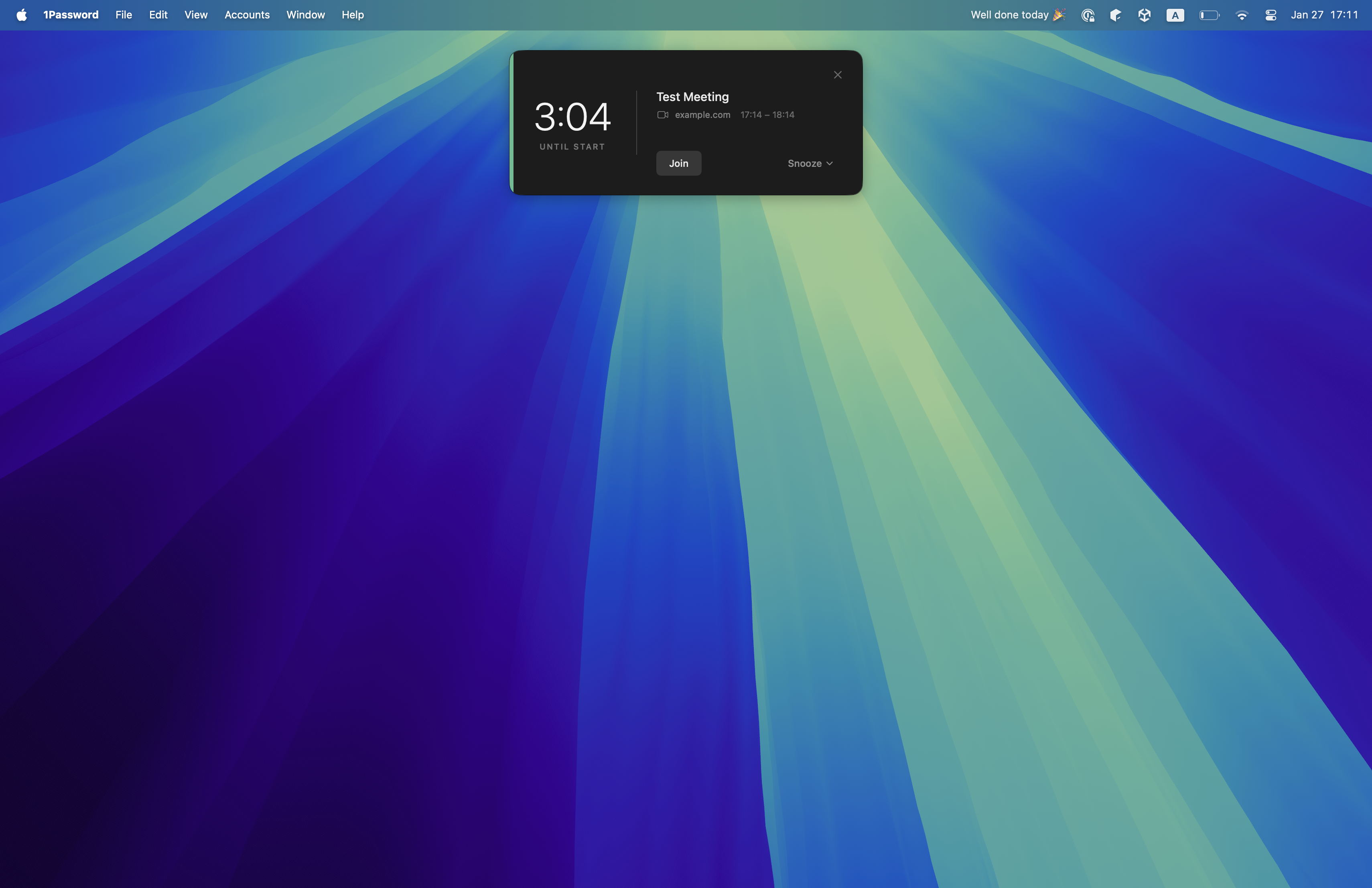
One-Click Join

Smart Floating Alerts
Non-Intrusive: Captures attention without blocking your entire screen.

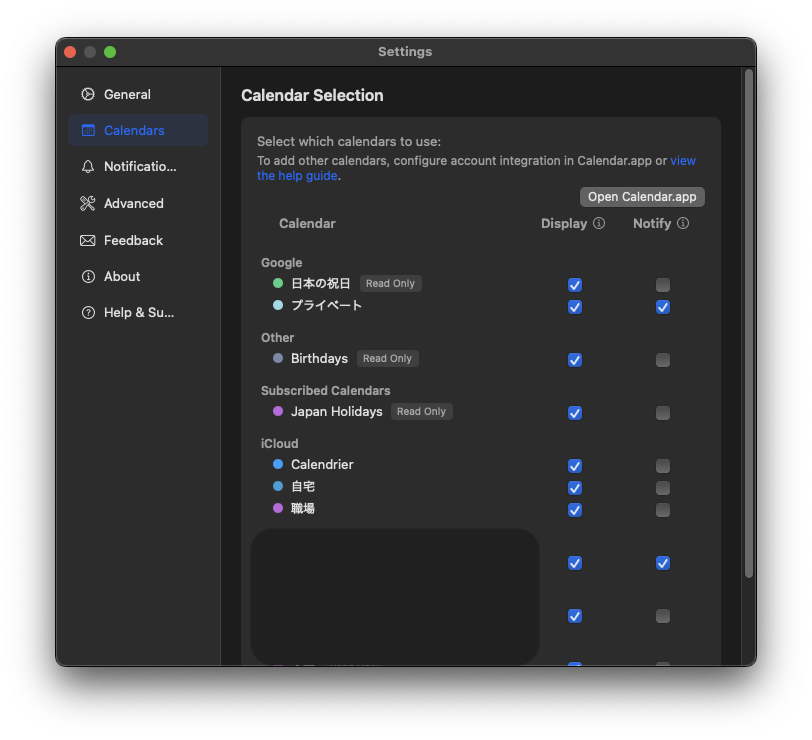
Universal Sync
Works With Your
AI Assistant.
Chimr supports the Model Context Protocol (MCP), allowing AI assistants like Claude to interact with your schedule.
"What meetings do I have today?" "Join my next call."
"Notify me when you're done with this task."
- ✓ Claude Desktop
- ✓ Claude Code
- ✓ AI Notifications

Built for Deep Work
The AI Power User
Developers who work with Claude all day. Get notified when AI tasks finish, query your calendar naturally, and never lose track of meetings while coding.
The Remote Worker
Without office cues, time loses meaning. Chimr's floating notifications grab your attention at just the right moment, with one-click video joins.
The Back-to-Back Manager
Stop hunting for links. Chimr serves your next meeting on a silver platter. One click, and you're in. Smart countdown keeps you aware.
Frequently Asked Questions
What is MCP and why does it matter?
MCP (Model Context Protocol) lets AI assistants like Claude interact with your apps. With Chimr's built-in MCP server, Claude can query your calendar, join meetings, and send you notifications when tasks complete.
What macOS version do I need?
Chimr requires macOS 14.0 (Sonoma) or later. It runs natively on both Apple Silicon and Intel Macs.
Does it work with Google Calendar?
Yes! Chimr works with any calendar account added to your Mac's system settings, including Google, iCloud, Outlook, and Exchange.
Is it a subscription?
No. Chimr is a one-time purchase of $4.99. Pay once, use forever. No hidden fees, no recurring charges.
Does it support Zoom and Teams?
Absolutely. Chimr automatically detects meeting links for Zoom, Google Meet, Microsoft Teams, Webex, and many others.
Is my calendar data private?
Yes. All processing happens locally on your Mac. The MCP server runs locally, and you control exactly what information is shared with AI assistants through 4 privacy levels.